I'm going to move. What to do?
- Log in to MyScarlet.
- Scroll down to the product you want to move and click on Settings.
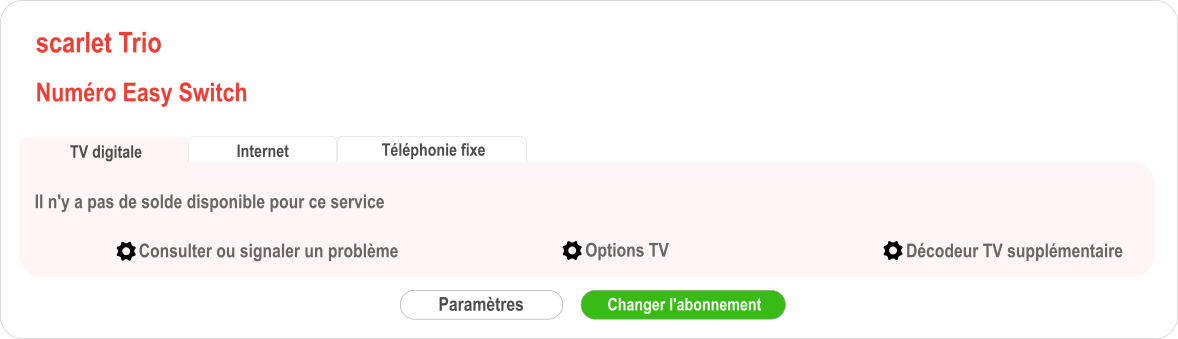
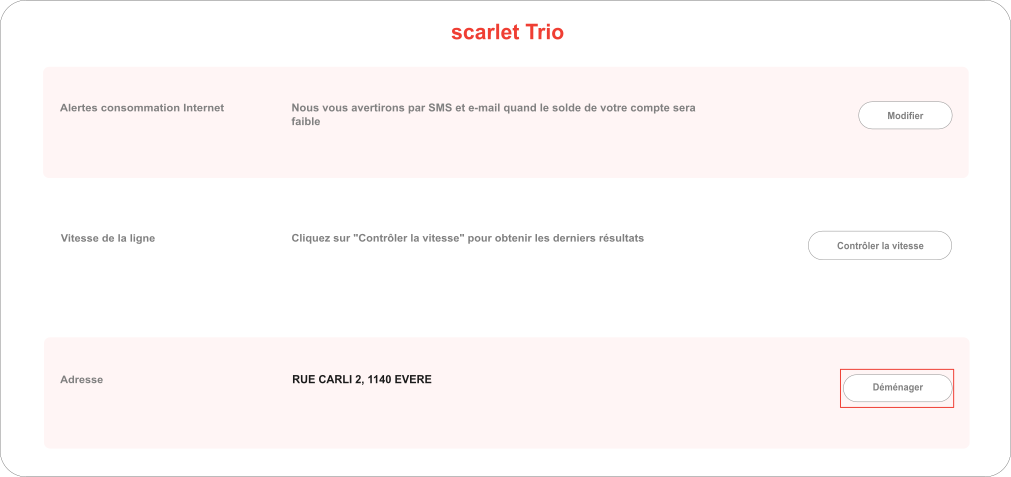
- Click on Move.
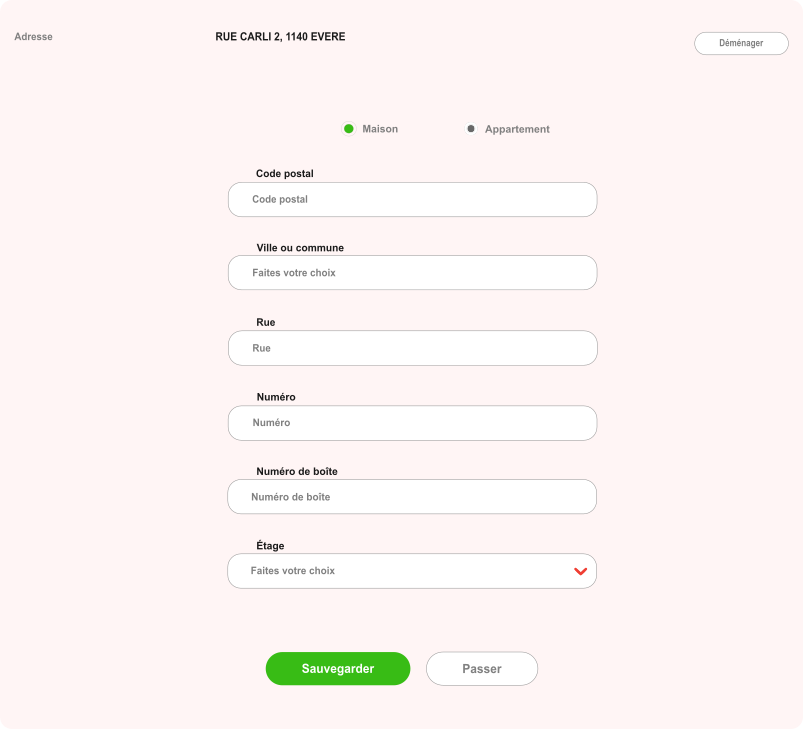
- Specify whether it is a house or an apartment and enter your new address.
- Click on the Appointment tab after your request has been validated.
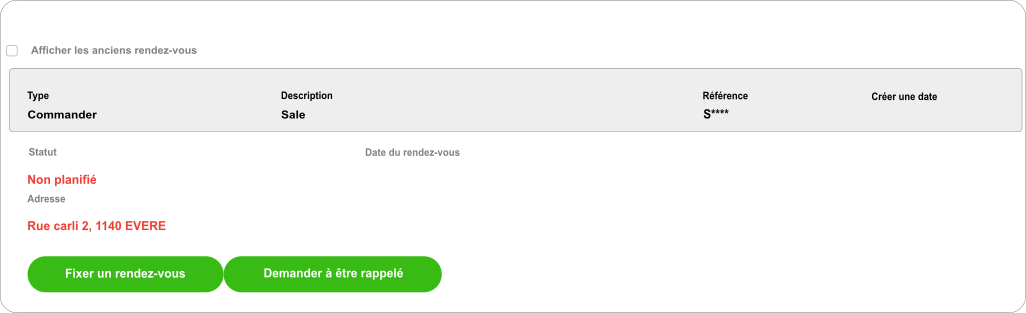
- Click on Schedule an appointment and select the date that suits you.
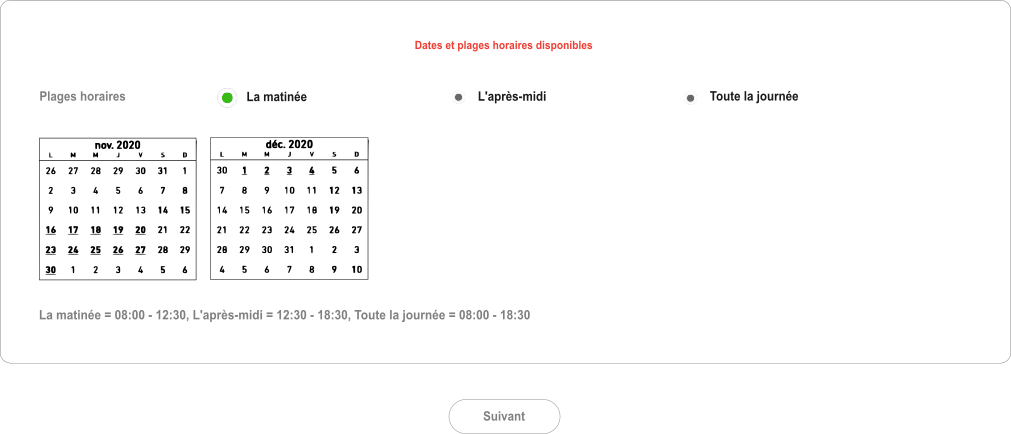
- Not sure yet when you're moving? Then click on Request a callback.
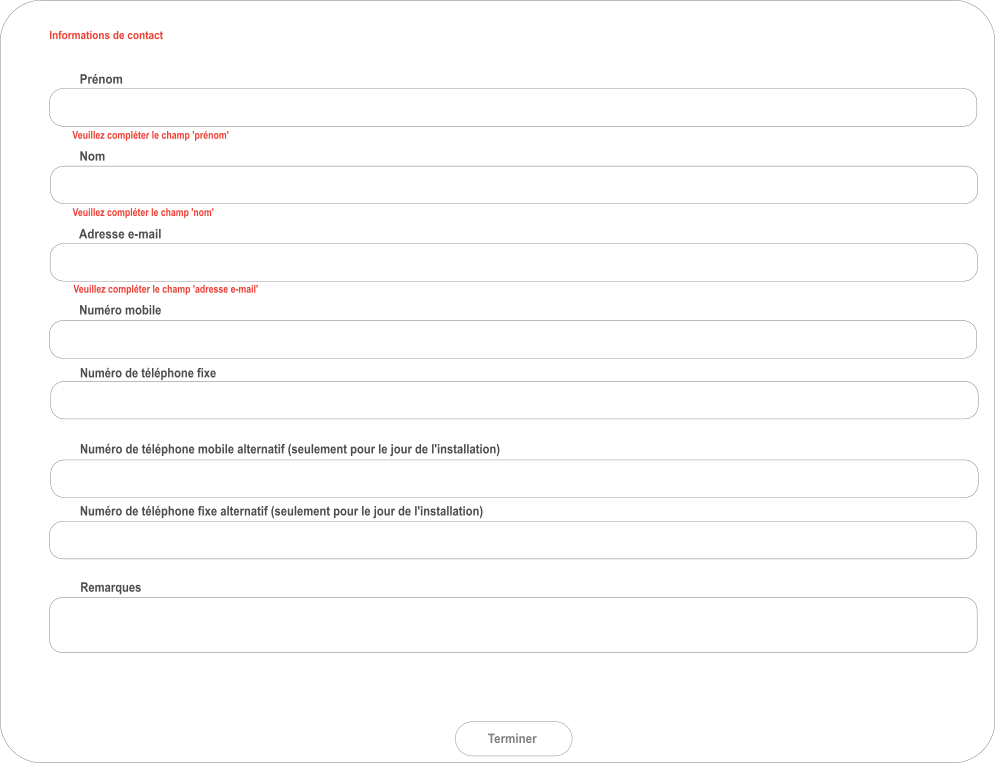
Please note: when you move, it is important to also change your billing address .
Did you manage it?
No, I need more help
Yes, thank you!